
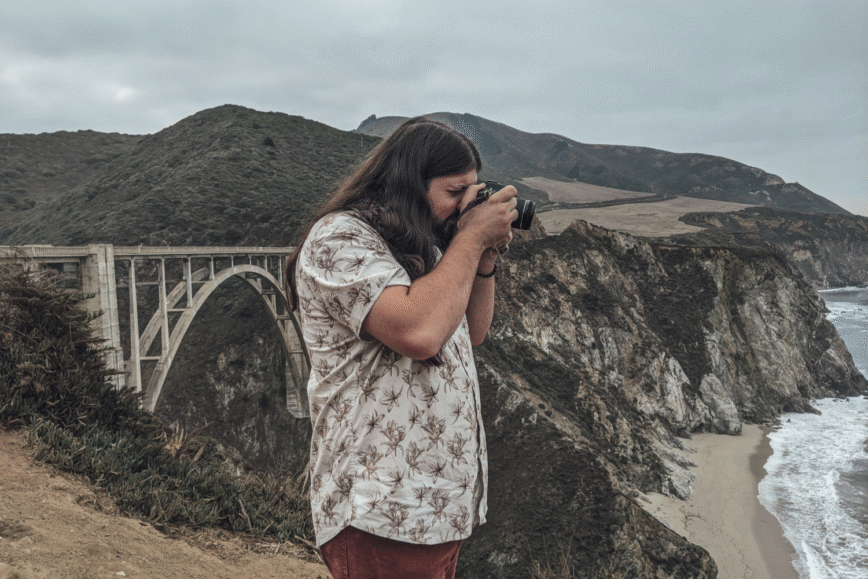
If you’ve ever had any interest in becoming a travel blogger, or a blogger of any kind, you’ll know that it can be overwhelming to figure out where to begin.
Not only that, but so many online creators and influencers are telling you the thousands of dollars worth of gear you need to be successful.
And our opinion? It’s a little bit of a lie.
Sure, there are advantages to some of the high-price gear, and as you grow in your skills, your gear will likely improve too.
But there’s also a LOT you can do without spending thousands of dollars up front. In fact, you can be successful for years without having the top of the line gear.
We want to keep things realistic here. We’ll never lie to you and tell you that we use something we don’t, just to get you to buy that thing.
So today, we’re going to get into what we actually use to run our travel blog. The software, the equipment, all of it.
This post may contain affiliate links, which means I’ll receive a commission if you purchase through my links, at no extra cost to you. I only recommend products that I personally would use or do currently use. Please read full disclosure for more information.
Real quick: a bit about what all our travel blog entails
We do quite a few things with our business, and make money from different sources, including:
- Affiliate Marketing (recommending products we use and love, and we earn a small commission if someone clicks on the link and buys)
- Our own digital products (we create digital products and sell them online via Etsy and our own online shop)
- Sponsored posts (we haven’t started with sponsored posts yet, but that’s coming soon. This is essentially a brand paying you a rate to write a blog post about their products/services)
- Selling services (this is one that’s in the works right now, but we will sell services such as trip planning for a set rate for clients)
The content we create includes:
- Blog posts (1-3 per week, depending on the week)
- Email newsletters (Weekly-ish)
- Social media posts (photos and videos), primarily Instagram
- Pinterest pins to drive traffic to our site
- Digital products
- Other graphics and photos for various projects
Each of these content sources have a lot that go into them. We’re taking photos and videos for our blog posts, IG posts, and Pinterest pins. We’re creating not only the digital products themselves but also the marketing materials for those products. Each form of content has a lot of moving parts.
So now that we’ve gone over that, let’s get into the tools we actually use to run our travel blog/business.
The tools & software we use for creating content
For all things digital design: Canva
If you want to run an online business, Canva will be your best friend. We’ve used Canva for years now and it keeps getting better.
We use it for creating our Pinterest pins each week, editing some images for our sites, making social media graphics, presentations, and making all of our digital products.
Canva has a free plan which is a great place to start if you want to make digital designs of any kind. They also have a paid plan ($15/month currently) which is well worth the money and includes all elements labeled as ‘premium’ plus certain perks like image background removal and other things.
For photo/video editing: Adobe Creative Suite
We edit a lot of photos and videos, so this is an area we felt an investment was worth it. Plus, Will goes to school full-time, so we were able to snag Adobe’s student discount which knocked the entire Creative Suite down to $19.99/month.
We primarily use Lightroom for photo editing and Premiere Pro for video editing, but there are so many other useful apps in the creative suite.
For some digital designs: Procreate
This is sort of a background tool, but I (Kailey) have been learning how to draw on Procreate with a plan to make stickers & more physical products in the future!
We know how much travel people love stickers, so it’s always been a goal of ours to create our own travel-inspired designs.
Procreate is what I use to sketch stuff up and will (hopefully) soon be using to design all of the physical products in our shop.
For writing blog posts and planning content: Notion
Staying organized is a huge part of keeping our business going. We both have ADHD so we pretty much have to have somewhere to organize all of our thoughts/ideas so we don’t completely lose them.
Notion is the primary place where this happens.
We use Notion as a content calendar to plan our upcoming blog posts and social media posts. We also use it to write the blog posts before we publish them in WordPress.
We’ve lost entire posts in WordPress before, so we’ve found that having a copy of them stored somewhere else is VERY important.
So we write the posts in Notion, then copy and paste them into WordPress, edit, then publish.
Notion has a lot of nice features for productivity and organization, so if you need something for your own business (or even personal life), we highly recommend!
There are paid plans and a free plan. We have always used the free plan and have no complaints or really any needs for the paid plan, but check them out to see what’s best for you!
For email marketing: Flodesk
Email marketing is a VERY important part of running an online business. Many would say it’s the #1 most important thing your business should have.
For our email marketing, we use Flodesk.
I (Kailey) have used other platforms in the past, like Mailerlite (a great free option) and Kit (a solid option still, but with drawbacks).
Near the end of this year (2025), almost all email marketing platforms shook things up and did away with a bunch of their plans and increased the pricing on existing plans. I use Kit for my other blog, and the pricing from year to year was going to go up more then $300, which is waaaay too much. So when we set up this new blog, I opted for a different platform- Flodesk.
So far we really enjoy using it. It’s super simple and user-friendly, and has a lot more customization options than Kit.
If you’re interested in checking out Flodesk, you can get $25% off of your first year here → Flodesk 25% off
Our website setup
Website Platform: WordPress
You may have heard it said before, but if you want to have a money-making blog, WordPress is the way to go.
Now I will admit, other website platforms like Squarespace and Wix are improving and making a good name for themselves.
But WordPress still has the upper hand for one main reason- you own it. WordPress sites are self-hosted, meaning you own the content, the domain, the hosting, all of it. You then choose a server to host it on, but stay the sole owner of the site as a whole.
Other platforms like Squarespace, for example, own the platform, the hosting, the code, all of it. They simply give you a license to use their stuff, but you don’t own anything except the content you put on the site (blog posts for example).
I’ve heard of bloggers losing their entire sites from platforms like Squarespace and Wix.
So we will continue to use WordPress for the foreseeable future!
Hosting: Hostinger
We host our site through Hostinger, and so far have had no issues.
Previously, we’ve used Bluehost and while it was okay, the prices got way out of hand, so we ended up switching. Hostinger had a great plan where we could get 4 years of hosting for less than we were paying for one year of Bluehost, so the switch made sense.
If you’re interested in hosting, you can get Hostinger for less than $2/month (+3 free months) by using our link here → Check out Hostinger hosting.
Website Theme: Marley by Code and Coconut
When you make a website on WordPress, you’ll be asked to pick a theme. There are free and paid themes within WordPress’s own library, or you can super easily import a theme you’ve gotten elsewhere.
For both our travel site, and my other cozy living blog, I’ve chosen Code and Coconut themes and LOVE them!
They were super easy to set up and they look beautiful. My other site uses the Isla theme, and our travel site uses the Marley theme.
You can check out all of their themes here!
Keyword Research: PinClicks
When it comes to getting traffic to our site, Pinterest is our biggest helper. Majority of our traffic comes from Pinterest, and that doesn’t seem like it’ll change anytime soon.
But posting on Pinterest isn’t as simple as taking a pretty photo and clicking ‘Publish’. It takes keyword research and knowing how to reach the audience that we want to reach.
The best tool we’ve found for this, that makes keyword research soooo much easier, is PinClicks.
Keyword research can absolutely be done for free, and we did it that way for years. But having a tool like PinClicks has made it so much faster, easier, and more efficient. You can search keywords to see if they’re doing well, explore similar keywords, see which pins are performing the best for those search terms, and even look at accounts and how they’re ranking.
This is a paid service, but we were able to catch it on sale for (I think) $79 for the year, so keep an eye out for sales if you want it for this cheaper price!
If you want to check out PinClicks, you can do so here!
The tech gear we use for our travel business
For every day tasks (our laptops)
We put our computers through the wringer on a daily basis, between running design software, doing photo and video editing, writing posts, and having anywhere from 10 to 100 tabs open at a time (whoops).
So having a computer that can handle that is important for us. BUT we also didn’t want to spend thousands on a laptop if we didn’t need to.
For me (Kailey) I recently replaced my 10 year old terrible laptop with this Dell 2-in-1 Laptop. I managed to get it MAJORLY on sale for Black Friday, and have been so impressed with it since getting it.
If you need a laptop that can handle a lot of things at once, has a touch screen, lots of storage, and an amazing screen, this is your guy.
For Will, he’s still kicking it on a several-years old MacBook Air, but it’s still chugging along fine!
For digital designs- an iPad
Because I use Procreate for drawing and making digital designs (stickers and digital products), an iPad is a requirement. I have the cheapest iPad I could get (and got it on sale for Black Friday) and it works fine for what I use it for!
Our filming & photography gear
We have a few different things we use for our photos & videos, so I’m giving them their own category!
90% of the time: my phone
Majority of the time, we’re using our phones for photos and videos. With how quickly phones are developing technologically, the cameras are getting better and better and the need for expensive camera gear is becoming lower.
There are still amazing cameras for advanced photography out there, but for making content for our blog and social media, our phones have served us well so far. Most of this is done on my Google Pixel 8 Pro, which even though it’s a few years old, still has an amazing camera.
Btw, if you want a phone that’s going to take amazing photos, Google Pixels are almost always the best pick for this. Their cameras keep getting better and better and outcompeting other phones by a landslide.
For more adventurous videos: GoPro 8
For shots from the car, on hikes, or other adventurous types of content, we often use our GoPro. We have the 8, which is 6 years old at this point, and it still takes great video.
I’m pretty sure this model is not even sold anymore, but newer models (I would assume) take just as good, and probably even better, videos than our model.
A GoPro has been a really good investment for us and has made our videography on trips super fun!
For aerial shots: DJI Mini 3
A few years back, Costco had an amazing deal on a drone bundle, and we got the DJI Mini 3 for a super good price.
If you find a good deal on a drone, even a small one like this, I highly recommend it. We love flying this thing, and it can really level up travel shots and make for better videos from exciting angles.
P.S. If you’re looking for a carrying/protection case for drones or camera gear, we love our Nanuk.
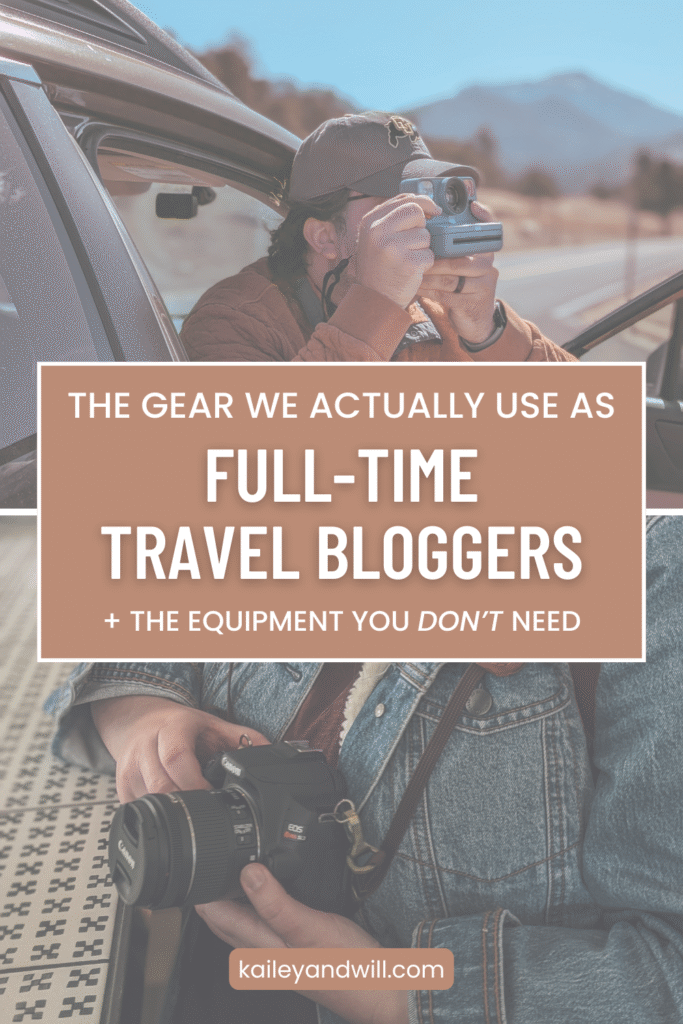
Our camera: Canon EOS Rebel SL3
We use our phones majority of the time, but we do still occasionally pull out out camera for certain shots.
This camera is several years old and kind of hard to find, but I’d still recommend it as a great beginner’s camera!
Photography Boosters:
Adjustable Ring Light → We love that this one can be short or tall, has multiple color options, folds up compactly, AND it comes with a trigger remote that works with your phone!
Microphone & Mini Tripod → Putting these together, because we bought the JOBY Creator Kit, which comes with a microphone and a small adjustable tripod.
The gear we recommend for becoming a travel creator
We have a lot of gear now, but if we were just starting? Here’s what we would actually start with.
- Your phone. You don’t need a fancy camera or high-end gear to take photos and videos, especially in the beginning. A good number of Youtubers, influencers, and creators do all of their filming/photography on their phones. And even though we have other gear like a legit camera and a GoPro, we still use our phones majority of the time.
- A computer. Any computer. It doesn’t have to be fancy, top of the line, or brand new even. As long as you have a computer and an internet connection, you have what you need to get started.
- A Canva account (free plan is fine). This will make creating content so much easier for you, and teach you to be creative!
And…. that’s it. Getting started doesn’t have to be complicated. When we started creating content online, that’s all we had. A cheap laptop from Walmart, our crappy phones, and a desire to be creative.
The thing about becoming a blogger or a photographer or a content creator or anything like that is that you learn as you grow.
And taking messy action is the best kind of action you can take.
Waiting until you have all the perfect gear is only keeping you from finding success sooner.
Start where you are, do what you can, grow as you go.
Are there any other questions you have about our gear or the resources we use for our travel blog? Let us know in the comments!
And don’t forget to join our weekly-ish newsletter where we chat all about travel, exploration, and reconnecting with nature in the coziest ways.
Save this post for later!
Leave a Reply